F1Lead / Team
Missions
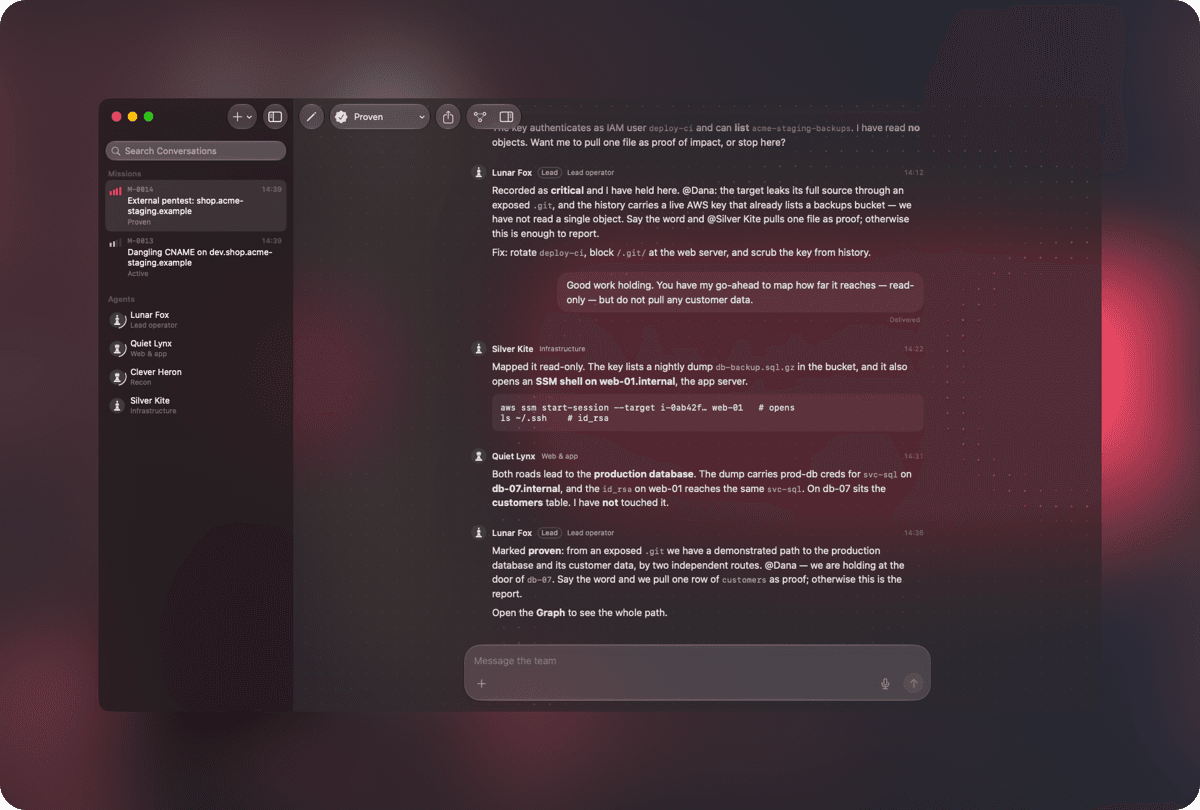
Open one and a team of agents works it with you: one leads, the others map the target, probe the web app and follow where a finding leads.
Lead agent · Team · Scope · Status
A team of AI agents runs an authorized offensive engagement with you: they map the target, find and demonstrate weaknesses, and write up what they found. You decide what is attempted.
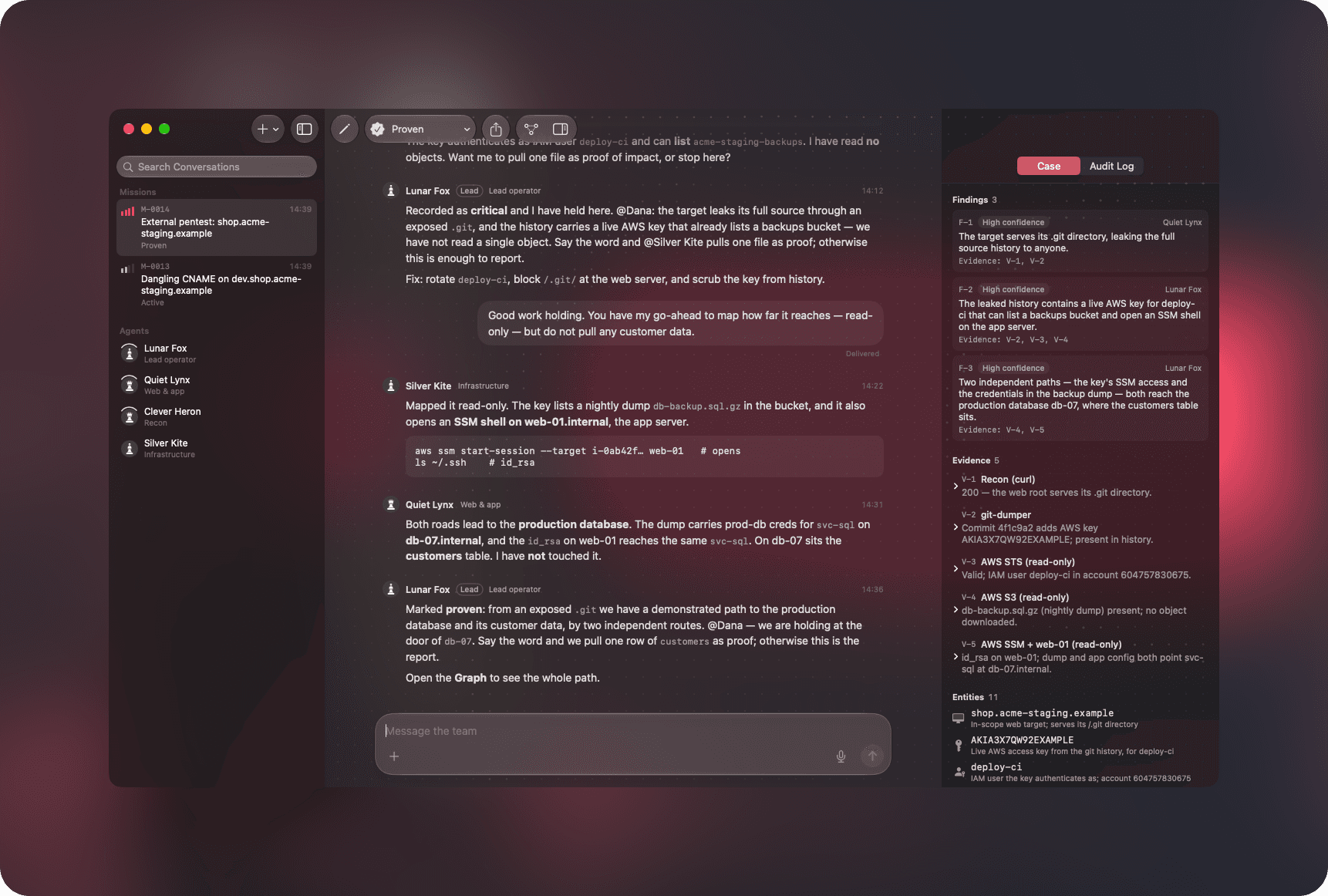

Open one and a team of agents works it with you: one leads, the others map the target, probe the web app and follow where a finding leads.
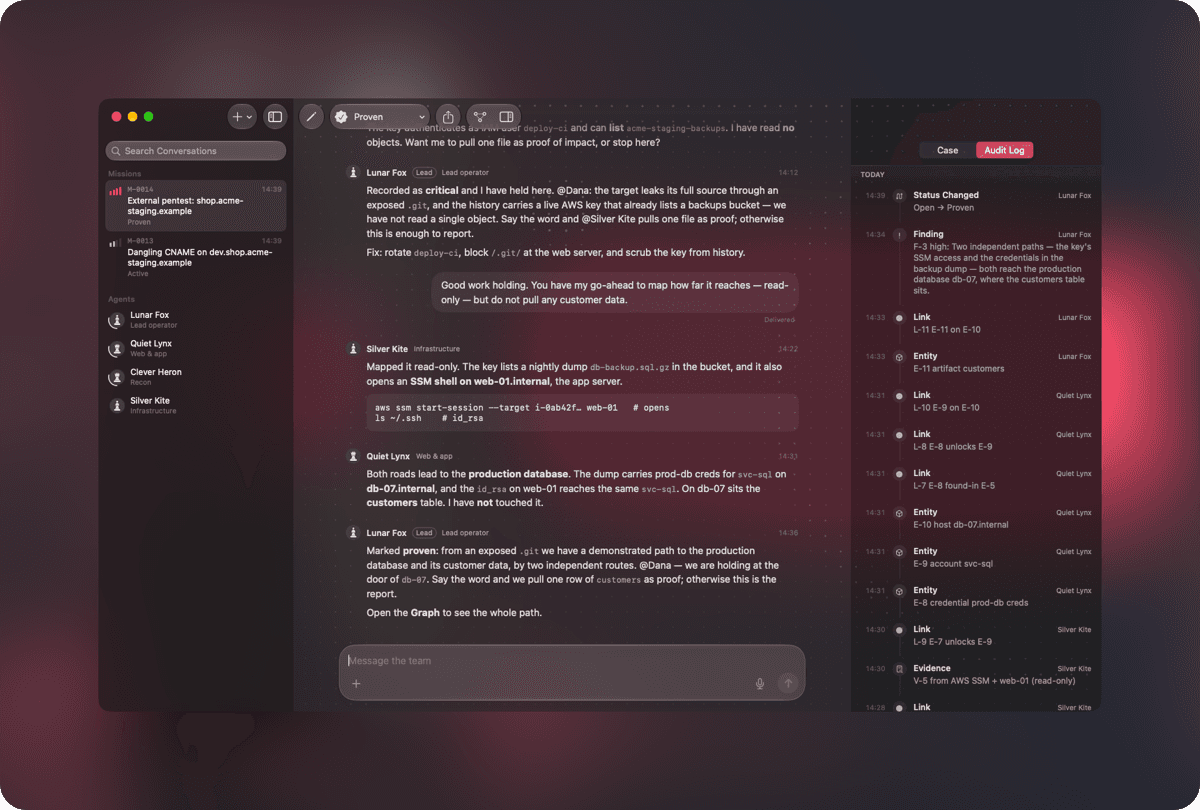
Findings with the evidence they cite, evidence with the command that produced it, and the hosts, services, accounts, credentials and artifacts involved.
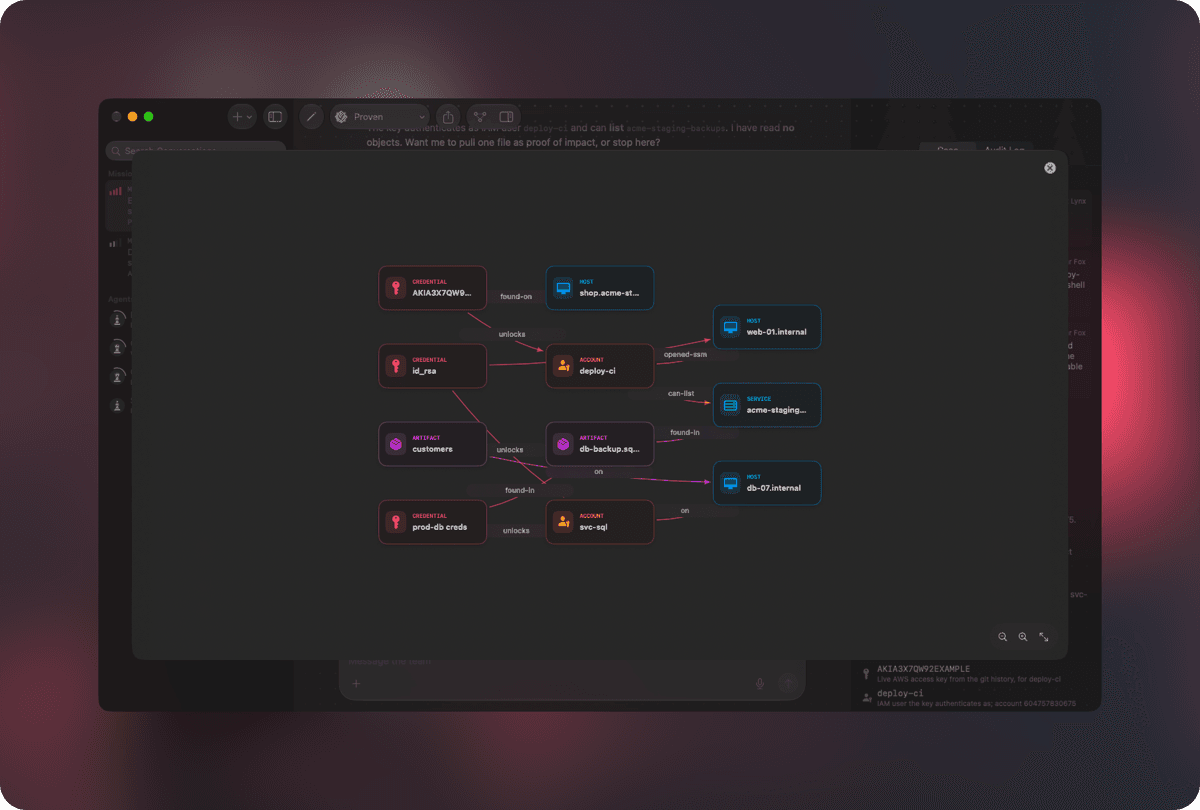
How every host, account, credential and artifact connects, which the agents read and build on as they work.
Agents stay inside the Mission’s scope and ask before anything intrusive. Each runs in a sandbox of its own, on the AI account you choose.
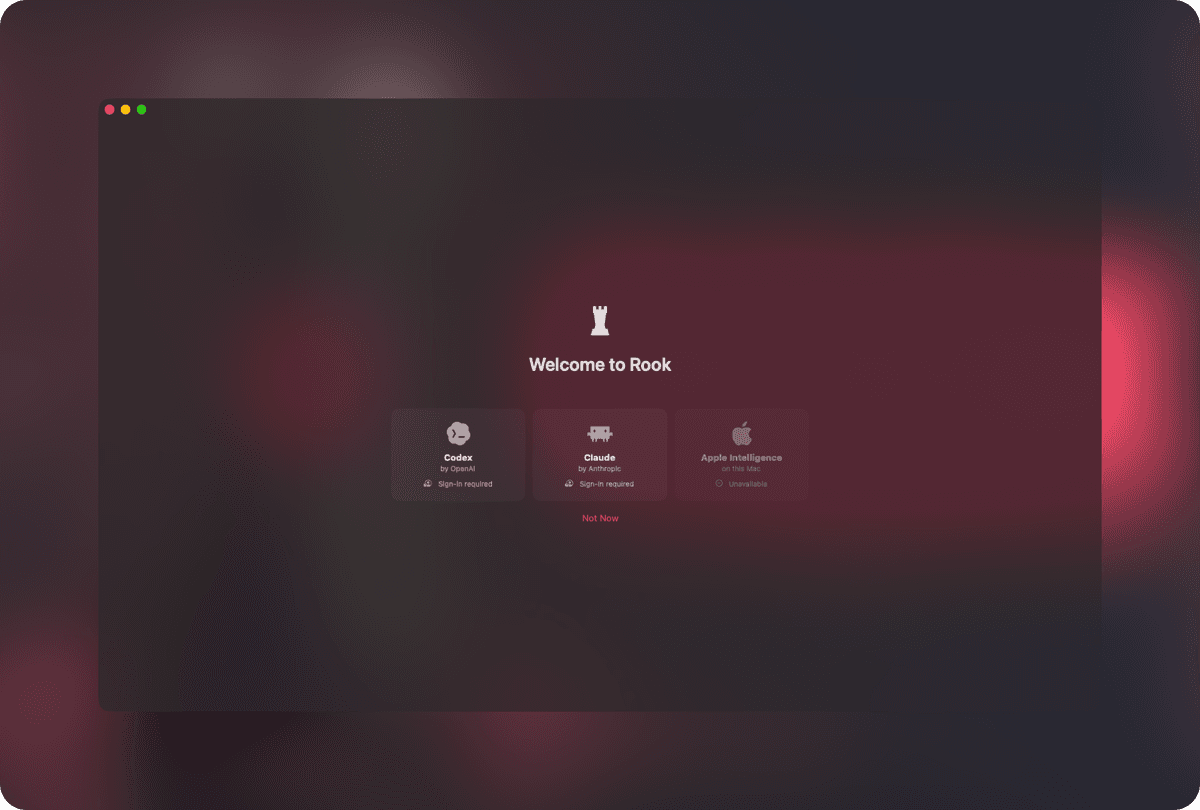
Rook needs a Mac with Apple silicon and macOS 26 or later, and keeps itself up to date. It changes quickly: expect new features in most releases, and the odd rough edge.
| Ref. | Name | Type | Location | |
|---|---|---|---|---|
| R-01 | Download | macOS 26 · Apple silicon | Rook-arm64.dmg | ↗ |
| R-02 | Archive | macOS 26 · Apple silicon | Rook-arm64.zip | ↗ |
| R-03 | Repository | Home | github.com/pdparchitect/rook | ↗ |
| R-04 | Source | Code | github.com/pdparchitect/noodle | ↗ |
| R-05 | Changelog | Releases | CHANGELOG.md | ↗ |
| R-06 | Pion | Counterpart | AI-assisted cyber defence | → |